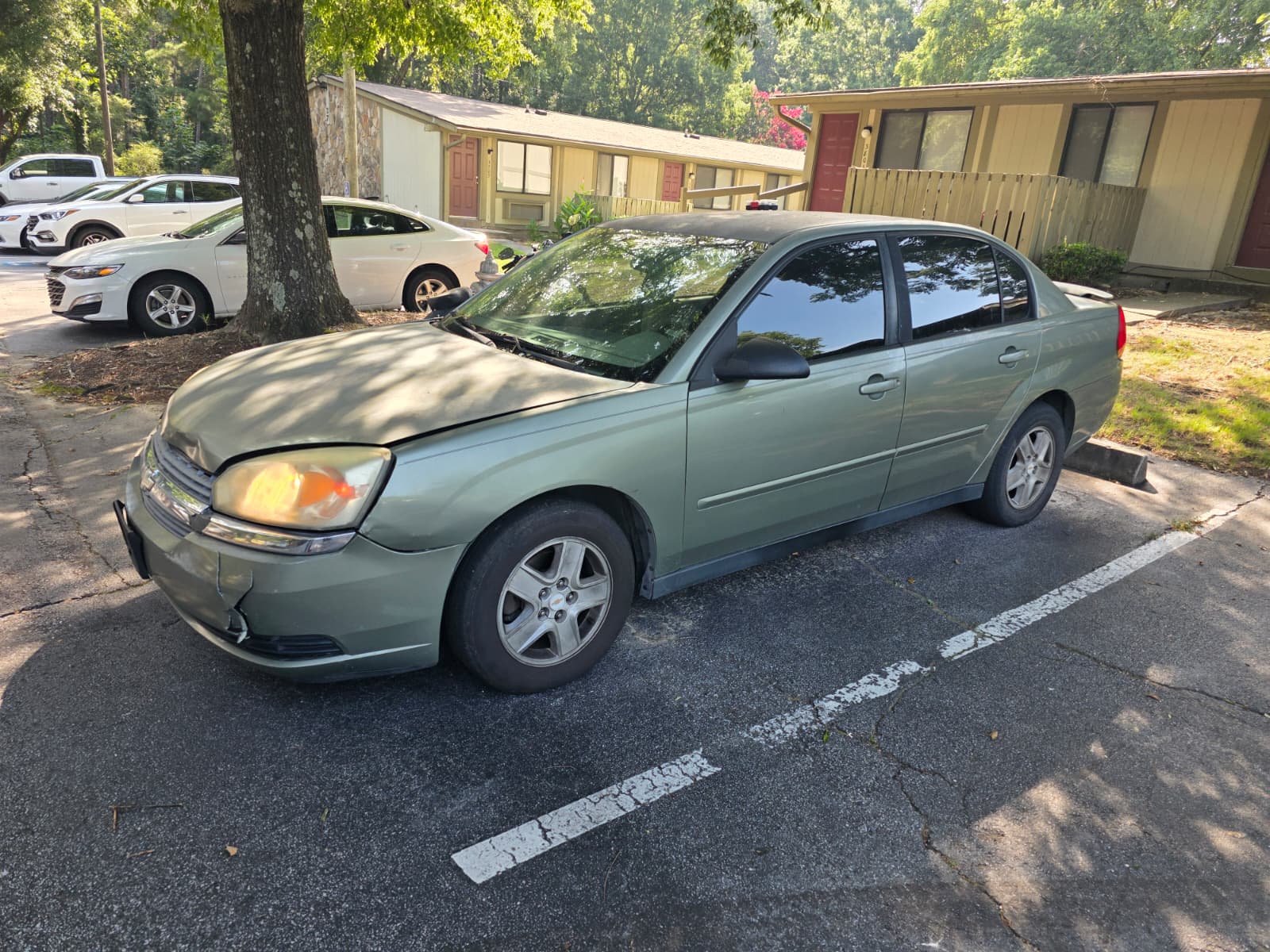
You can add Apple CarPlay to your car through three main methods: installing an aftermarket head unit (stereo), using an OEM software upgrade if available from your car's manufacturer, or plugging in a portable CarPlay receiver. The best option depends heavily on your car's age, your budget, and your comfort with installation. For most older cars without a compatible infotainment system, an aftermarket stereo is the most reliable and permanent solution.
The most common and effective route is replacing your factory radio with a new receiver. An aftermarket head unit is a new stereo designed to be installed in your vehicle. You'll need to choose a unit that supports CarPlay and fits your car's dashboard integration (the size and shape of the stereo space). This often requires a wiring harness to connect the new unit to your car's electrical system without cutting factory wires, and a dash kit to ensure a clean, OEM-like fit. While a competent DIYer can handle this, professional installation is recommended to avoid issues with steering wheel controls or backup cameras.
Some automakers offer official upgrades for newer models. Check your manufacturer's website or contact a dealership to see if a simple software update or a hardware module replacement is available for your specific VIN (Vehicle Identification Number). This is often the most integrated option but can be expensive and isn't available for all models.
For a simpler, less permanent fix, consider a portable CarPlay display. These devices plug into your car's 12V power outlet (cigarette lighter) and connect to your phone via Bluetooth or WiFi. They act as a standalone screen that you mount on your dashboard. While convenient, they can feel less integrated and add clutter.
| Aftermarket Head Unit Comparison (Examples) | Screen Size | Approx. Price Range | Key Feature |
|---|
| Pioneer DMH-WT7600NEX | 9" | $1,000 - $1,300 | Floating display, Wireless CarPlay |
| Sony XAV-AX6000 | 6.95" | $500 - $700 | Simple UI, Physical volume knob |
| Kenwood DMX9709S | 6.8" | $700 - $900 | HD Capacitive Touchscreen, SiriusXM Ready |
| Alpine iLX-W650 | 7" | $300 - $500 | Affordable, reliable wired CarPlay |
| JVC KW-M785DBT | 7" | $400 - $600 | Wireless CarPlay & Android Auto |