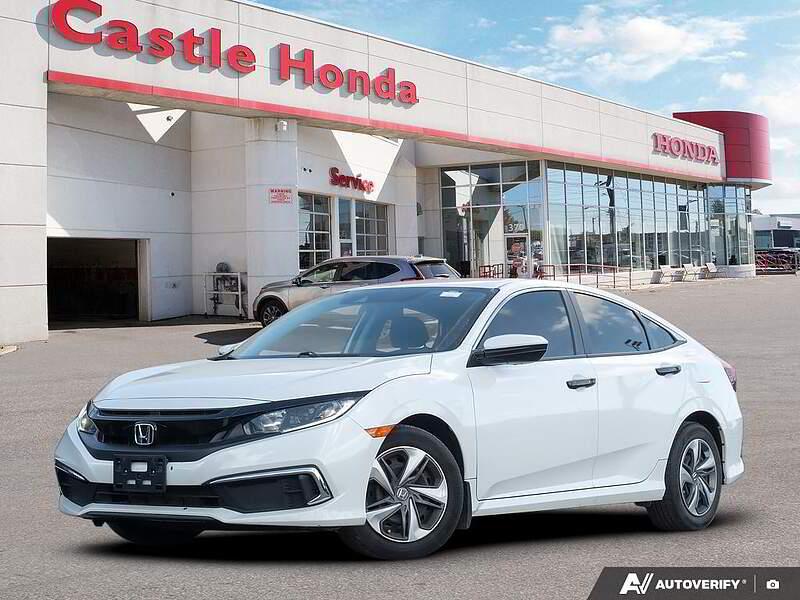
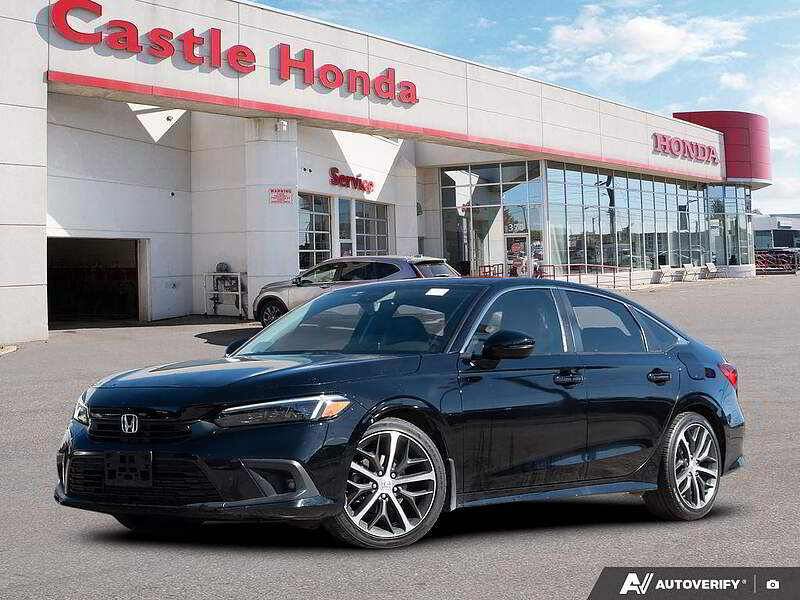
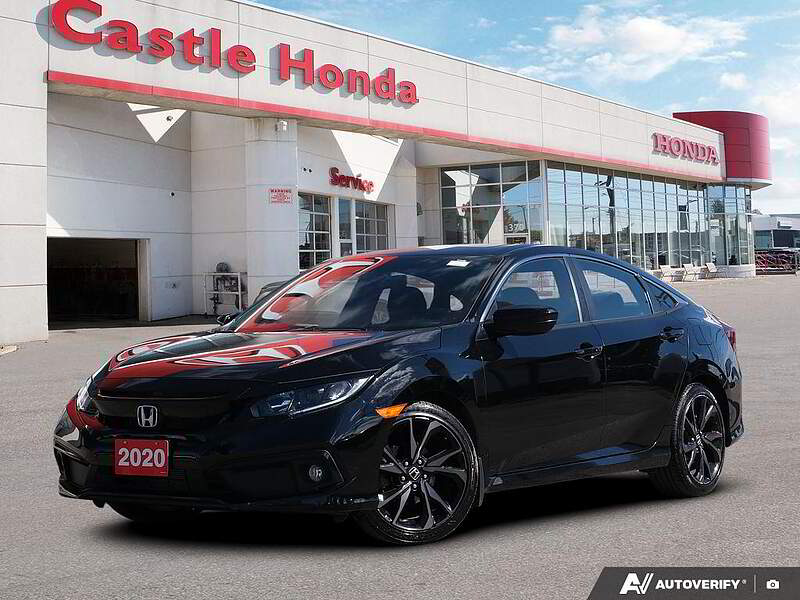
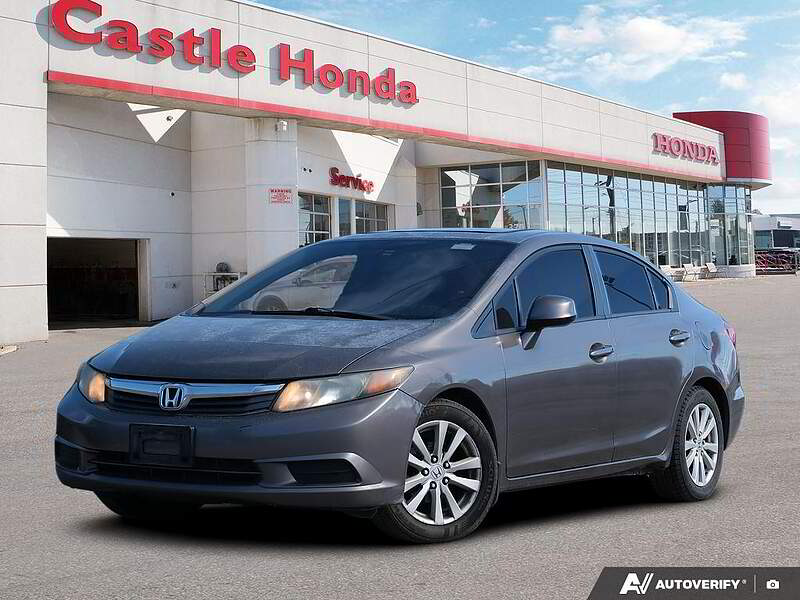
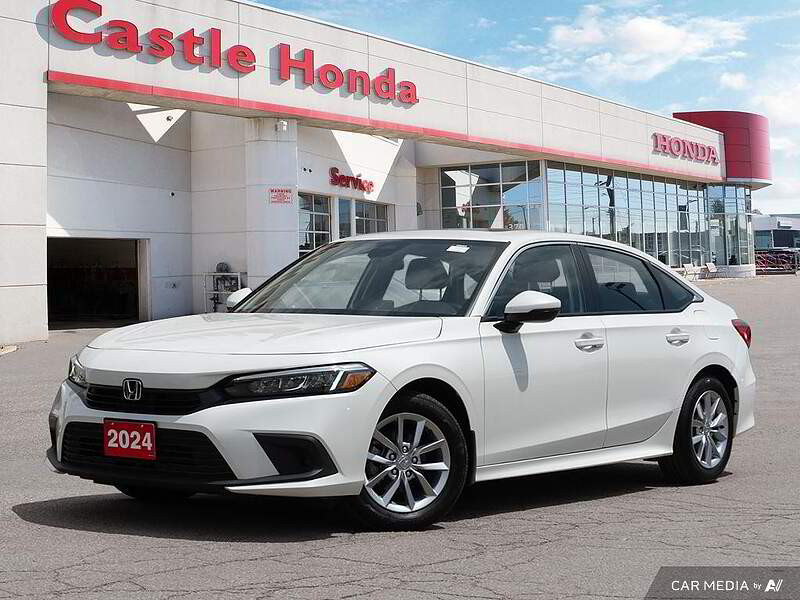
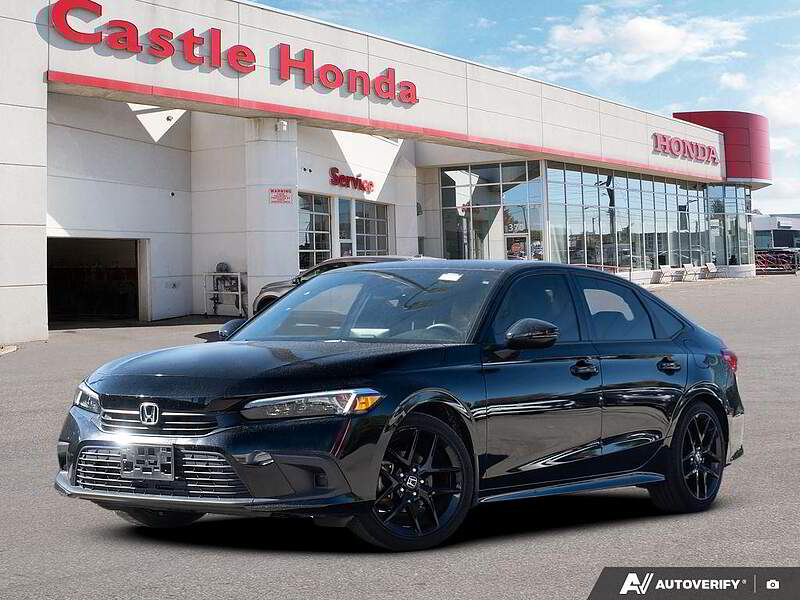
The method to turn on the air conditioning in Civic is: you need to press the AC button on the car's air conditioning control panel, then rotate the temperature knob to the blue area, which indicates cold air. The rightmost knob is used to adjust the air volume of the air conditioning, and you can adjust the wind speed accordingly. The Honda Civic is a compact car equipped with a 1.5T turbocharged engine, delivering a maximum torque of 220 Nm. The dimensions of the Honda Civic are 4517mm in length, 1799mm in width, and 1434mm in height, with a wheelbase of 2700mm. It features a CVT continuously variable transmission. The car has a top speed of 200 km/h and is a 5-door, 5-seat hatchback.

Cooling in a Civic is actually quite simple. Here's how I usually do it: First, start the engine and let it run. Then, locate the A/C button on the climate control panel and press it—the illuminated button indicates the compressor is activated. Next, turn the temperature dial toward the blue section; decreasing numbers mean lower temperatures. I typically set it around 23°C in summer for a comfortable coolness. Adjust the fan speed using the fan symbol buttons—it's best to start with a higher setting when first turning it on. Remember to press the recirculation button to enhance cooling efficiency. Within minutes, the cabin becomes pleasantly cool, at which point you can reduce the fan speed to minimize noise. Newer Civic models feature touchscreen climate controls on the infotainment display for even easier operation. Always close the windows before activating the A/C to prevent hot air from entering and compromising cooling performance.

After starting the vehicle, you can find the air conditioning control area on the right side of the steering wheel. Press the AUTO button in the center of the circular knob to illuminate it, and the system will automatically adjust to the appropriate cooling state. I usually set the temperature around 22 degrees, adjusting it slightly by two or three degrees in winter and summer. Then use the knob to adjust the temperature, turning it to the left to cool down. For rapid cooling, press the recirculation button on the panel and set the fan speed to the maximum level. Once the cabin temperature drops, reduce the fan speed to avoid excessive noise. The air vent direction can be adjusted; it's best not to blow directly at your face to prevent catching a cold. Regularly cleaning the air conditioning filter is also important, otherwise, you may notice a musty smell when cooling.

Remember to start the engine before turning on the AC. Locate the temperature symbol area on the center console, and first press the A/C light to activate the compressor. Then rotate the temperature control knob towards the cooler zone—I usually set it at 24°C for comfort. The fan speed button is right next to it; set it to the third gear initially for quick cooling. Also, be sure to press the recirculation button to prevent cold air from escaping. After five minutes when the temperature drops, you can reduce the speed to the second gear. The new Civic's large touchscreen also has AC settings—just tap the temperature number with your fingertip. In summer, lower all four windows to release hot air before getting in, then close the windows and turn on the AC for better cooling.

After starting the engine, simply press the AUTO button on the automatic climate control system, which is more convenient than manual adjustment. Set an appropriate temperature value - I usually choose 23.5°C, adjustable via either the rotary knob or touchscreen. Then press the recirculation button to prevent hot outside air from entering. Initially set the fan speed to medium level (around position 3) for quick yet quiet operation. For rapid cooling, you can directly turn the fan to maximum speed (position 5). Once the desired temperature is reached, maintain it using automatic mode. Remember to regularly inspect the AC system - reduced cooling efficiency may indicate refrigerant shortage or clogged filters, so remind your technician to check during .

Pressing the A/C button on the climate control panel with the light on indicates the start of cooling. Turn the temperature knob down to the 20-24°C range - I usually set it to 22°C in summer for optimal cooling. Use the fan button to increase airflow, setting it higher initially helps cool down faster. Remember to activate the recirculation button - this crucial step can improve cooling efficiency by 30%. After about ten minutes when the cabin has cooled down, slightly reducing the fan speed enhances comfort. The new Civic features dual-zone climate control, allowing driver and passenger to set different temperatures independently, perfect for couples traveling together. Regularly clean the air intake below the windshield to prevent leaves from blocking it and affecting cooling performance.