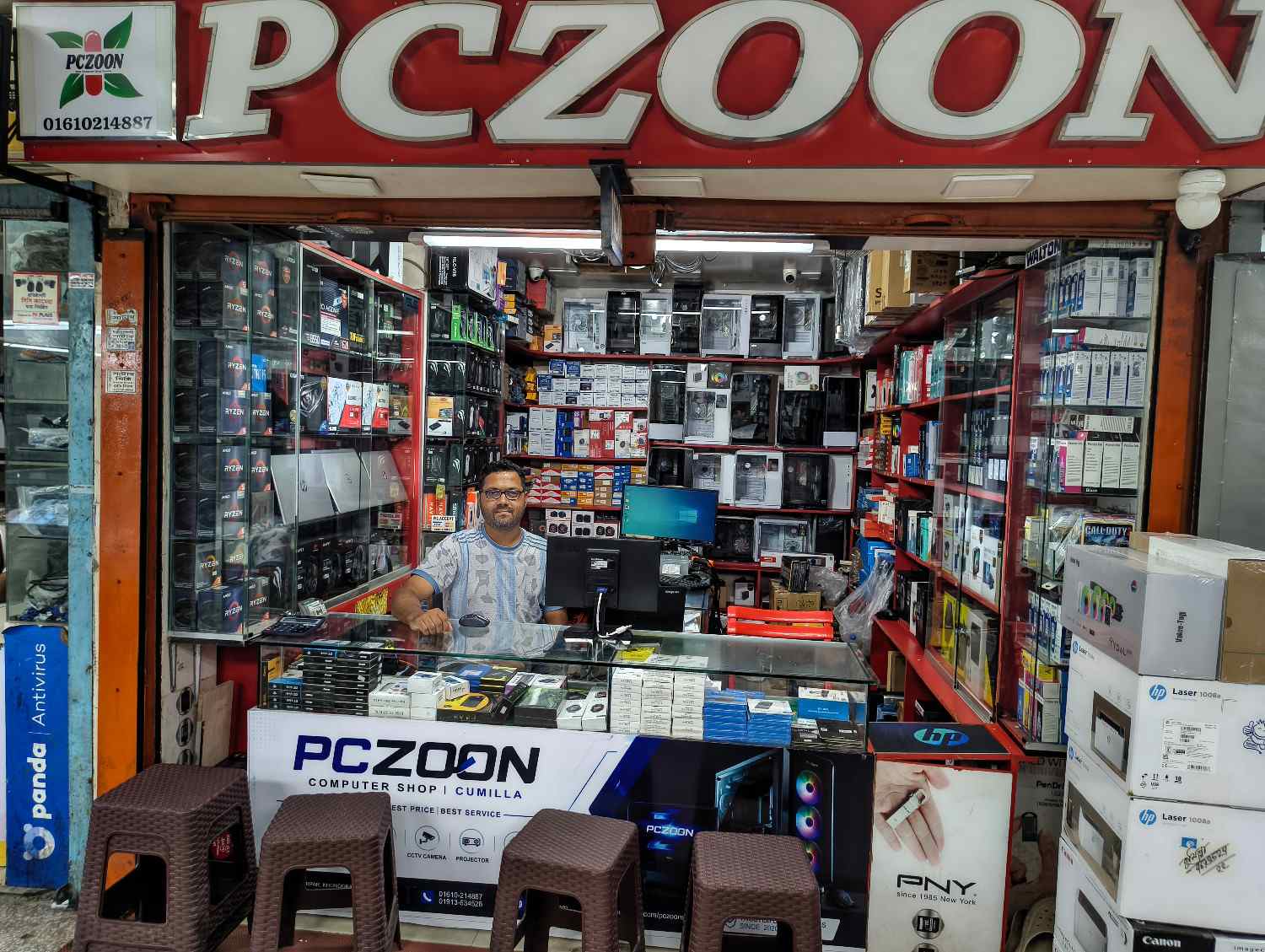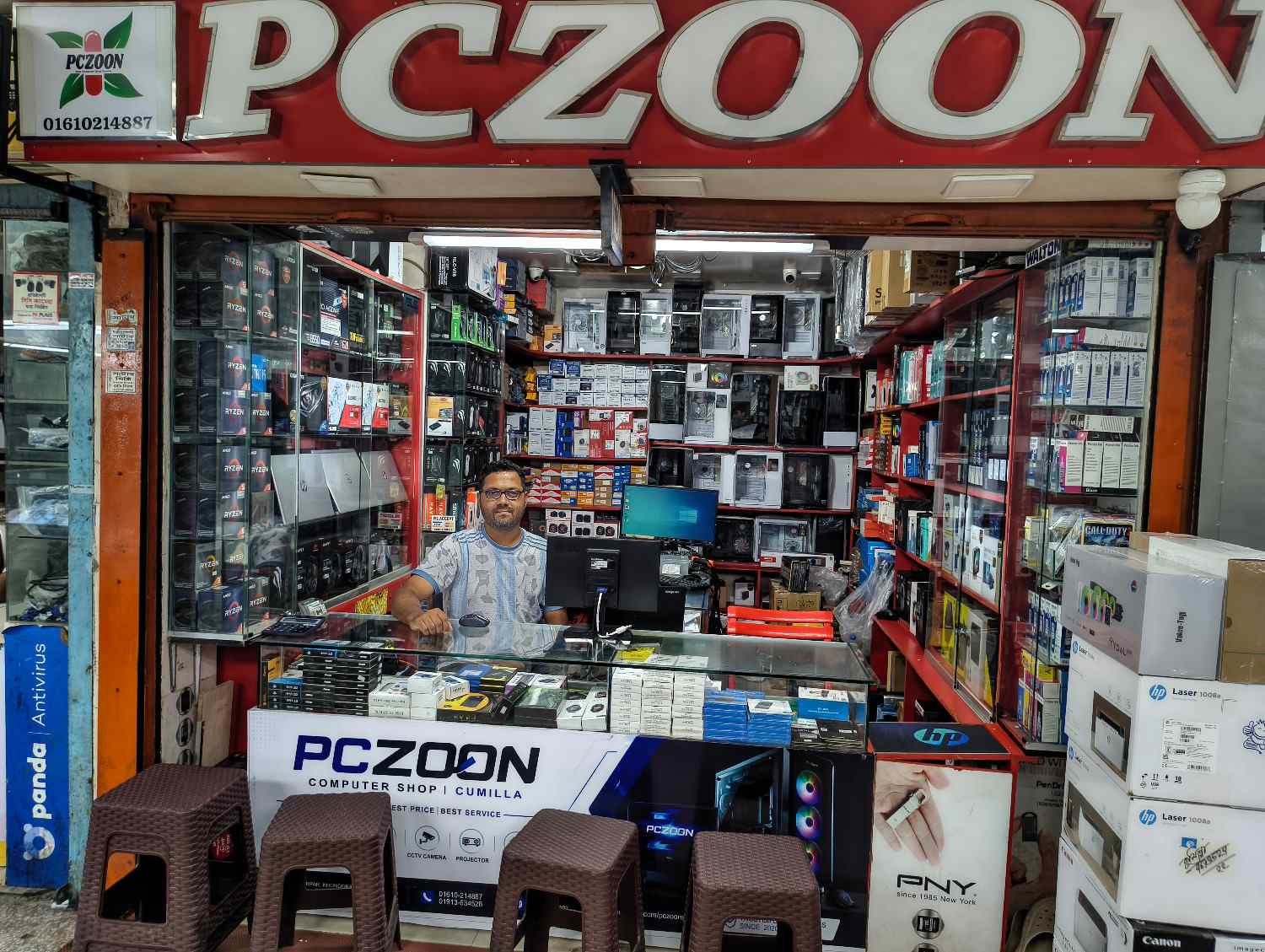
PCZOON Computer Store in Comilla for Laptop Enquiries
Free
New
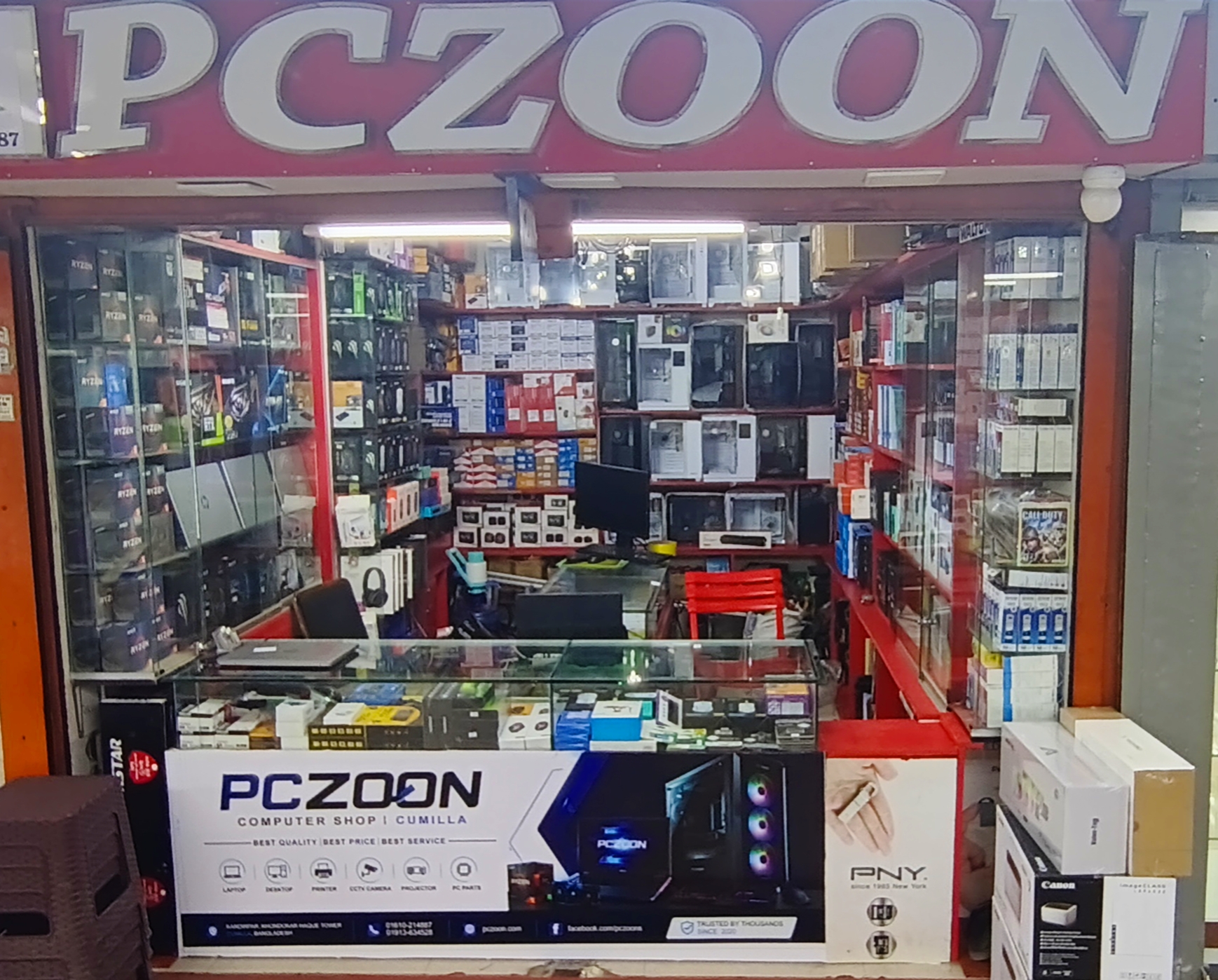
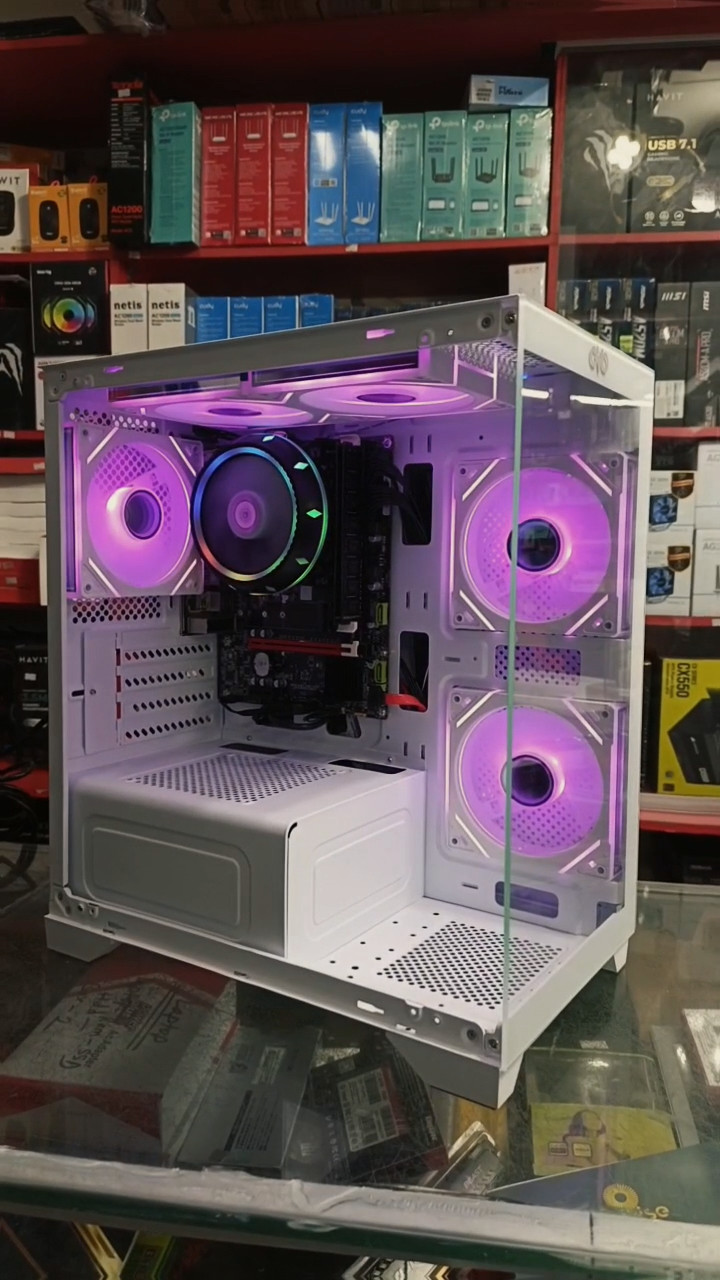
PC Builder in Comilla: Custom Gaming PC, Desktop Computer & PC Components | PCZOON PC Builder in Comilla: Custom Gaming PC, Desktop Computer & PC Components | PCZOON Building a computer that matches your needs starts with choosing the right components. Whether you want a desktop PC for everyday work, a gaming computer for modern titles, a workstation for creative projects, or a reliable system for business, every component plays an important role in the final result. If you are searching for a PC builder in Comilla (Cumilla), Bangladesh, PCZOON is a local computer and technology store where you can enquire about custom PC configurations, individual hardware components, accessories, and related IT products. Located at F-508, 3rd Floor, Khondokar Haque Tower, Kandirpar, Comilla, PCZOON serves customers looking for computer products for gaming, education, freelancing, office work, content creation, and everyday computing. A custom-built computer gives you the opportunity to select hardware according to your budget, preferred applications, performance goals, and future upgrade plans. This guide explains how custom PC building works, what each component does, how to choose compatible hardware, and why planning your build carefully can help you get better value from your investment. Looking for a Custom PC Builder in Comilla? A custom PC is assembled from individually selected components rather than being limited to a fixed factory configuration. This approach allows you to prioritize the features that matter most to you, such as processor performance, graphics capability, memory capacity, storage speed, cooling, and appearance. When choosing a PC builder in Comilla, consider more than the advertised price. Component compatibility, power requirements, cooling, warranty conditions, assembly quality, and the possibility of future upgrades are all important. PCZOON provides a local option for customers who want to explore custom desktop configurations and computer components. Whether you are planning an affordable home computer or a gaming-focused setup, you can discuss your intended use and budget before selecting the hardware. The best custom PC is not necessarily the most expensive one. It is the system that performs well for your actual workload while meeting your budget and upgrade requirements. Custom Gaming PC Builds in Comilla Gaming PCs require a balanced combination of processing power, graphics performance, memory, storage, and cooling. The ideal configuration depends on the games you play, the resolution of your monitor, and the frame rate you want to achieve. An entry-level gaming computer may be suitable for lighter games and many esports titles, depending on the hardware and settings. More demanding games can require a dedicated graphics card, a stronger processor, additional memory, and a suitable power supply. PCZOON can help customers enquire about gaming PC configurations based on their budget and gaming requirements. Before choosing parts, consider the following: Processor: Select a CPU that can support your games and other applications. Graphics card: Choose a GPU suitable for your preferred resolution and graphics settings. RAM: Ensure the system has sufficient memory for the games and applications you use. SSD: Install the operating system and frequently played games on suitable solid-state storage. Power supply: Choose a reliable PSU with sufficient capacity and the correct connectors. Cooling: Plan airflow and CPU cooling according to the components and expected workload. Monitor: Match the display resolution and refresh rate to the system's capabilities. A balanced configuration can provide a better overall experience than spending most of your budget on one component while neglecting the rest of the system. 1. AMD Ryzen and Intel Processors The central processing unit (CPU) executes instructions and handles calculations for the operating system, applications, and games. Processor performance can affect multitasking, software responsiveness, game performance, and productivity workloads. AMD Ryzen and Intel Core processors are popular choices for desktop computers. Different models offer different core counts, clock speeds, power requirements, integrated graphics capabilities, and platform compatibility. For a basic office computer, a suitable processor with integrated graphics may be enough. Gaming, video editing, software development, and other demanding workloads may benefit from a more powerful CPU. When choosing a processor, check its exact model, supported motherboard socket, chipset requirements, BIOS compatibility, cooling requirements, and memory support. PCZOON can help customers compare available processor options for custom desktop builds according to intended use and budget. 2. Motherboards for Custom PC Builds The motherboard connects the processor, RAM, storage, graphics card, and other components. It also determines many of the system's connectivity, expansion, and upgrade options. Motherboards differ in processor socket, chipset, memory generation, PCIe slots, M.2 storage support, USB connections, networking features, and physical dimensions. Some models include built-in Wi-Fi, while others require a separate adapter. Choosing the correct motherboard is essential because not every motherboard supports every processor or memory type. For an AMD Ryzen build, verify the processor's socket and chipset requirements. For an Intel system, check the exact processor generation and compatible motherboard platform. Also consider the number of storage slots, RAM slots, and expansion connections you may need later. PCZOON offers motherboard options for customers planning new builds or upgrading existing desktop computers. Confirm compatibility before purchasing individual components. 3. Desktop RAM for Multitasking and Gaming Random access memory (RAM) stores data that the computer needs to access quickly while programs are running. Having sufficient RAM can help applications operate smoothly when several tasks are performed at the same time. Desktop RAM is available in different generations, including DDR4 and DDR5. These memory types are not interchangeable, so the motherboard must support the generation you purchase. The appropriate memory capacity depends on your workload. Everyday office tasks, gaming, programming, video editing, and professional applications can have different memory requirements. When selecting RAM, check the motherboard's supported memory type, capacity limits, number of slots, module configuration, and supported speeds. Dual-channel memory configurations can also affect performance on supported platforms. PCZOON can help customers explore compatible RAM options for a new PC or a memory upgrade. 4. SSD, NVMe SSD and Hard Drive Storage Storage holds your operating system, applications, games, documents, photos, videos, and project files. Choosing the right storage configuration affects capacity, responsiveness, and how comfortably you can manage your data. A SATA SSD typically provides faster startup and application-loading times than a traditional hard drive. An NVMe SSD uses a PCIe connection and can deliver higher transfer speeds when supported by the drive and motherboard. Hard drives remain useful for certain large-capacity storage needs. For many custom PCs, an SSD is a practical choice for the operating system and regularly used applications. Users with large media libraries or extensive project archives may also need additional storage. Before purchasing a drive, check its capacity, interface, physical format, motherboard compatibility, and warranty. Plan backups for important files, particularly before replacing an existing storage device. PCZOON offers storage options for new builds and upgrades, subject to current product availability. 5. Graphics Cards for Gaming and Professional Work The graphics processing unit (GPU) processes visual information and plays a major role in modern gaming, 3D rendering, video workflows, and other GPU-accelerated applications. Some desktop processors include integrated graphics, which may be sufficient for basic computing and supported light workloads. Other systems use a dedicated graphics card to provide greater graphics performance. Graphics cards differ in processing capability, video memory, power consumption, physical dimensions, cooling design, and display outputs. The appropriate model depends on your games or applications, desired resolution, budget, and monitor. Before purchasing a graphics card, verify: The available PCIe slot and motherboard compatibility. The card's physical length and thickness. The power supply's capacity and required connectors. The casing's airflow and cooling arrangement. The display outputs needed for your monitor. The recommended hardware requirements of your applications. PCZOON can help customers compare available graphics cards for compatible gaming and workstation configurations. 6. Power Supply Units (PSU) The power supply delivers electrical power to the computer's components. Selecting a suitable PSU is important for system reliability and safe operation. Power supplies differ in wattage, efficiency, connector availability, physical size, and design quality. A basic office PC has different power requirements from a system with a high-performance processor and dedicated graphics card. When choosing a PSU, calculate the requirements of the complete system and check the graphics card manufacturer's recommendations. Consider the appropriate power connectors, efficiency certification, warranty, and the reputation of the specific model. An 80 PLUS certification indicates efficiency performance under specified conditions, but certification alone does not establish every aspect of a power supply's quality. PCZOON offers power supply options for compatible desktop configurations. Customers should confirm the suitability of the
pczoon
pczoon