Browse

Log in / Register
 Share
Share
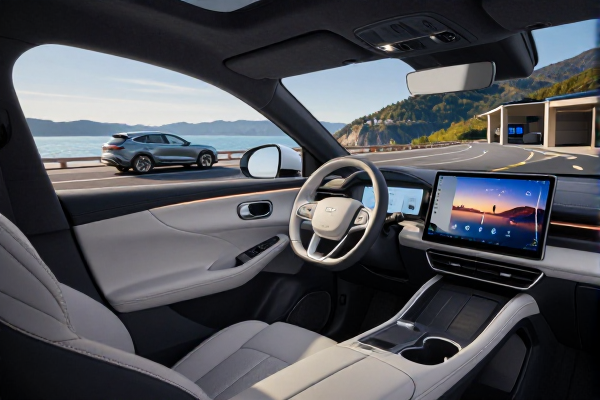
March 26, 2025 – Google’s subtle redesign of the Android Auto audio interface has ignited a heated debate among drivers. The new “wavy audio line” – a visualizer that replaces the traditional static album art or equalizer bars – was pushed out with the latest Android Auto update (v12.8). While some users appreciate the modern, dynamic look, many are calling it a distracting step backward.
The feature adds a pulsing, waveform-like line that travels across the top of the Now Playing screen. It reacts to the music’s tempo and volume, intended to make the interface feel more alive. However, unlike the previous static album art or simple playback controls, this moving element catches the eye – and that’s exactly where the conflict begins.
A quick glance at Reddit’s r/AndroidAuto and Google’s issue tracker reveals a clear split. Proponents argue it adds a “fun, modern touch” that makes the interface feel less sterile. “Finally, something that actually looks like it belongs in a car in 2025,” one user commented.
But the dissent is louder. “The wavy line is a distraction, plain and simple. It moves while I’m trying to focus on driving,” wrote another user. Safety concerns have been cited repeatedly, with several drivers claiming it caused them to glance at the screen longer than necessary. Some have even filed feature requests to add a toggle to disable the animation.
As of press time, Google has not officially commented on the backlash. However, an anonymous source familiar with the update told us the design team “wanted to leverage the screen’s real estate better” and that the animation was tested only in stationary prototypes. “They didn’t anticipate the intensity of negative feedback from real-world driving,” the source added.
For users who find the wavy line too distracting, there is no built-in toggle yet. But power users have discovered a partial workaround: switching the audio app to “Simple controls” mode in developer options (available via the Android Auto settings → About → tap “Version” 10 times). This mode reverts to a static, text-only interface, albeit at the cost of album art and other visual elements.
Meanwhile, Apple CarPlay’s Now Playing view remains static, using album art with a subtle gradient background. Automotive UX experts note that moving UI elements in vehicles have historically been discouraged by NHTSA guidelines, which recommend minimizing visual demand while driving. Google may face pressure to walk back or modify the feature in a future update.
The debate mirrors broader tensions in automotive software design: novelty versus safety. Car infotainment systems are increasingly adopting phone-like animations, but the driving environment demands simplicity. “The wavy line is a beautiful idea for a parked car, but a liability at 65 mph,” summed up one automotive journalist.
Early adopters have created a Change.org petition (now with over 1,200 signatures) asking Google to provide an official disable option. Google’s Android Auto team traditionally responds to major complaints within two beta cycles, so a fix or toggle could land in the next stable update – likely by mid-April 2025.
Until then, drivers are left weighing aesthetics against safety. If you’ve tried the wavy line yourself, share your experience – but please, not while driving.