Browse

Log in / Register
 Share
Share
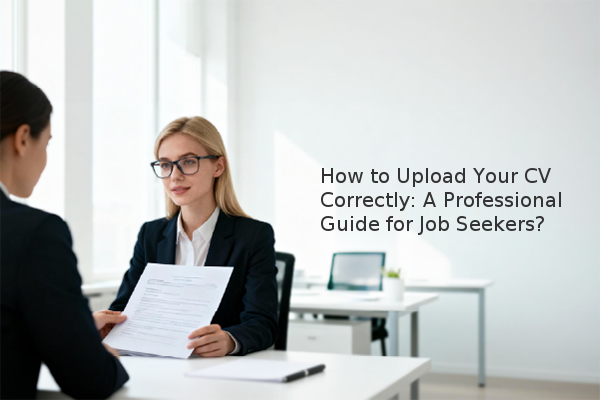
Uploading your CV correctly is a critical step in the job application process that directly impacts your chances of securing an interview. A properly submitted CV creates a positive first impression, ensures compatibility with Applicant Tracking Systems (ATS), and demonstrates your professionalism to potential employers from the outset.
A flawless CV submission is more than just a technicality; it’s the first tangible example of your attention to detail. Many employers, especially those receiving hundreds of applications, use Applicant Tracking Systems (ATS)—software that automates the initial screening of applications. An incorrectly formatted or uploaded CV may be unreadable by an ATS, causing your application to be rejected before a human ever sees it. Furthermore, a smooth submission process prevents delays and shows the recruiter that you can follow instructions—a soft skill highly valued in any role. Based on our assessment experience, applications with correctly uploaded documents proceed to the review stage at a significantly higher rate.
Most online applications follow a similar workflow. The key is to be prepared before you even click the 'upload' button.
Verify the Required File Format: Before uploading, check the job description for specified file types. Common acceptable formats include:
Use the 'Upload' or 'Browse' Function: Click the clearly labeled button on the application form. This will open a window for you to navigate your computer's files and select the correct CV document. Double-check that you have selected the final, proofread version.
Confirm the Upload: After selecting the file, you often need to click an 'Upload,' 'Open,' or 'Submit' button to finalize the action. The website should then display the file name, confirming a successful upload. Always take a moment to verify this before proceeding to the next part of the application.
When applying via email, your entire message serves as your first impression. The goal is to make it easy for the recruiter.
Before you hit 'send,' complete these final crucial steps to ensure professionalism.
ok.com_Jones_CV.pdf. This helps recruiters identify your application quickly.By following this guide, you can confidently submit your CV, knowing you have taken the necessary steps to present yourself as a detail-oriented and professional candidate. The key takeaways are to always verify the file format, use a professional file name, and proofread everything meticulously before sending.